THE PRODUCT / DOCUMENTS TO DELIVERABLES
The source stays
with the decision.
Read the package. Surface the conflicts. Build the package.
Keep the engineer in control at every handoff.
The tender becomes
a system.
DCIS reads full tender packages — PDFs, drawings, BOQs and RFIs — and turns them into cited decisions, drawings and reviewable packages.
WHAT YOU APPROVE
You choose the tender and agree the scope.
Every fact,
cited to its page.
Every number and requirement is tied back to its document and page, so the source stays with the decision. Read PDFs, drawings, BOQs and RFIs as one tender package.
WHAT YOU APPROVE
The source interpretation and evidence.
Evidence,
not assumptions.
DCIS flags conflicts such as per-system versus total load, or kVA versus kW. Conflicting source requirements remain visible. A HOLD is not silently turned into a decision.
WHAT YOU APPROVE
How each conflict is resolved, or whether it stays on HOLD, before anything leaves your team.
Example: fuel autonomy is 24 h in the scope and 48 h in the BOQ. The drawing marks a HOLD instead of choosing a value.DEMO-SOW p.8 ↔ DEMO-BOQ p.1 / 4-E
Start with cited inputs.
Expose what is unknown.
Develop concept design from tender documents with cited inputs. Information gaps and assumptions stay visible instead of being silently filled in.
WHAT YOU APPROVE
The design basis, concept arrangement, assumptions and unresolved information before detailed engineering begins.
From source marks
to reviewable layers.
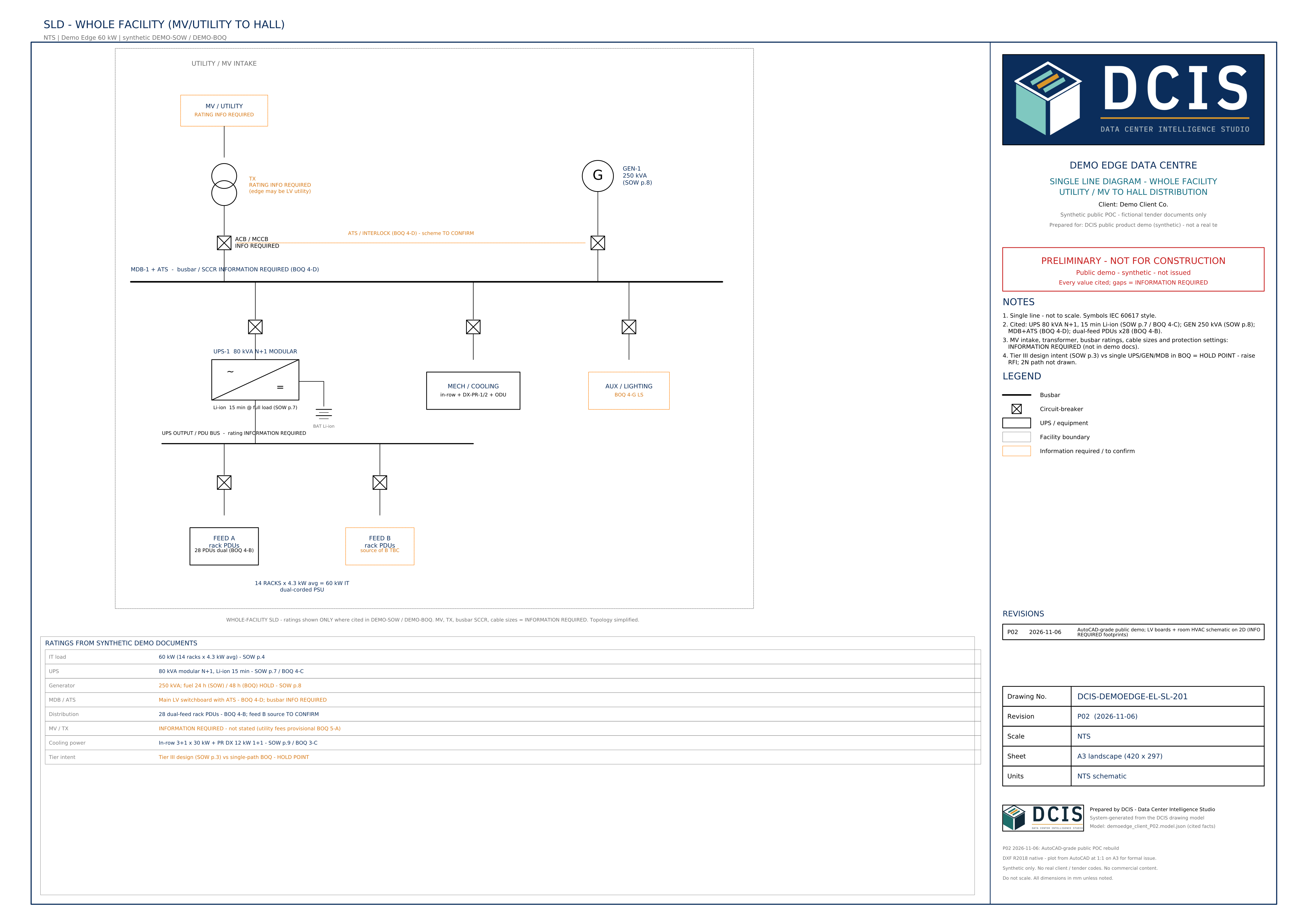
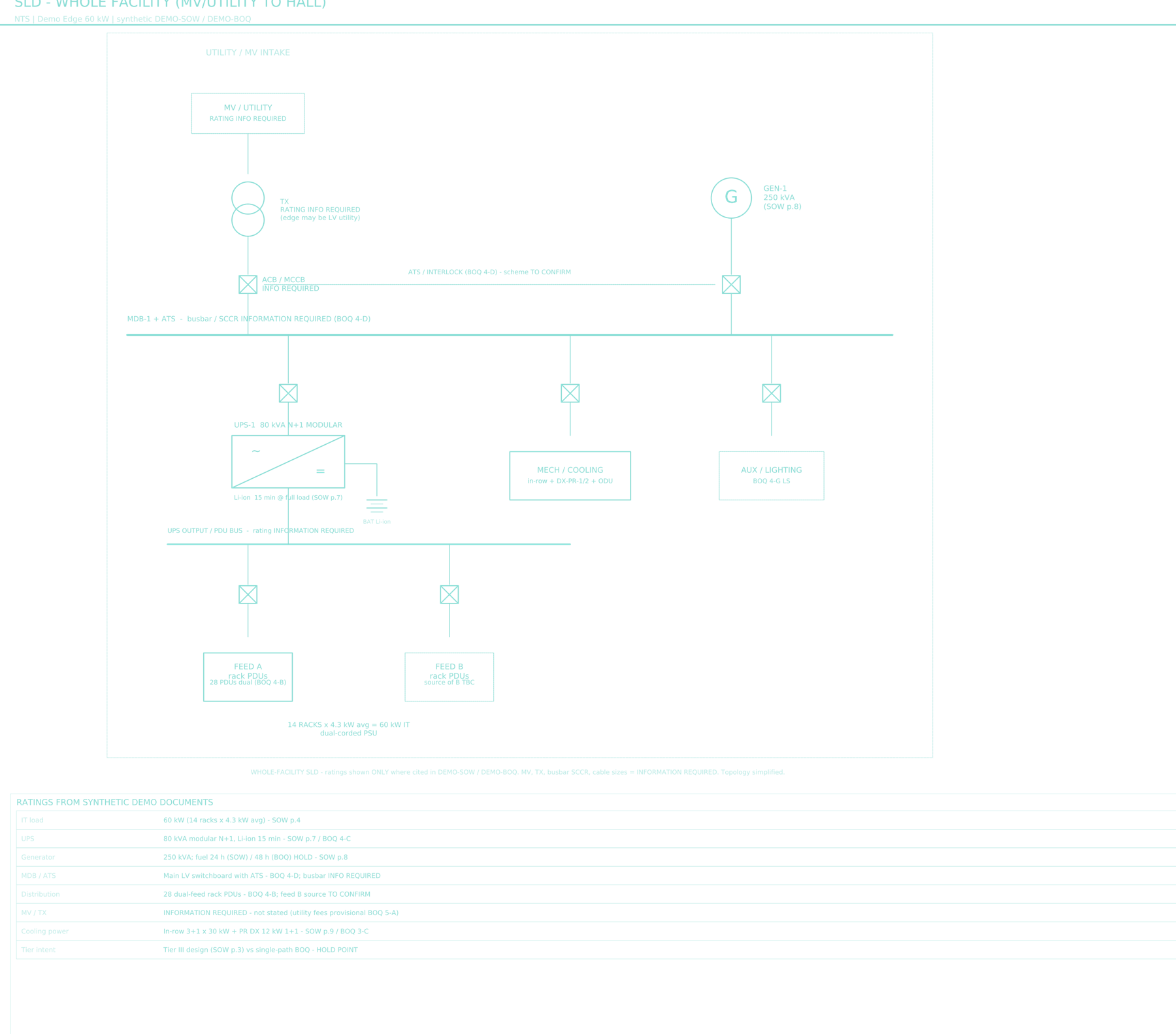
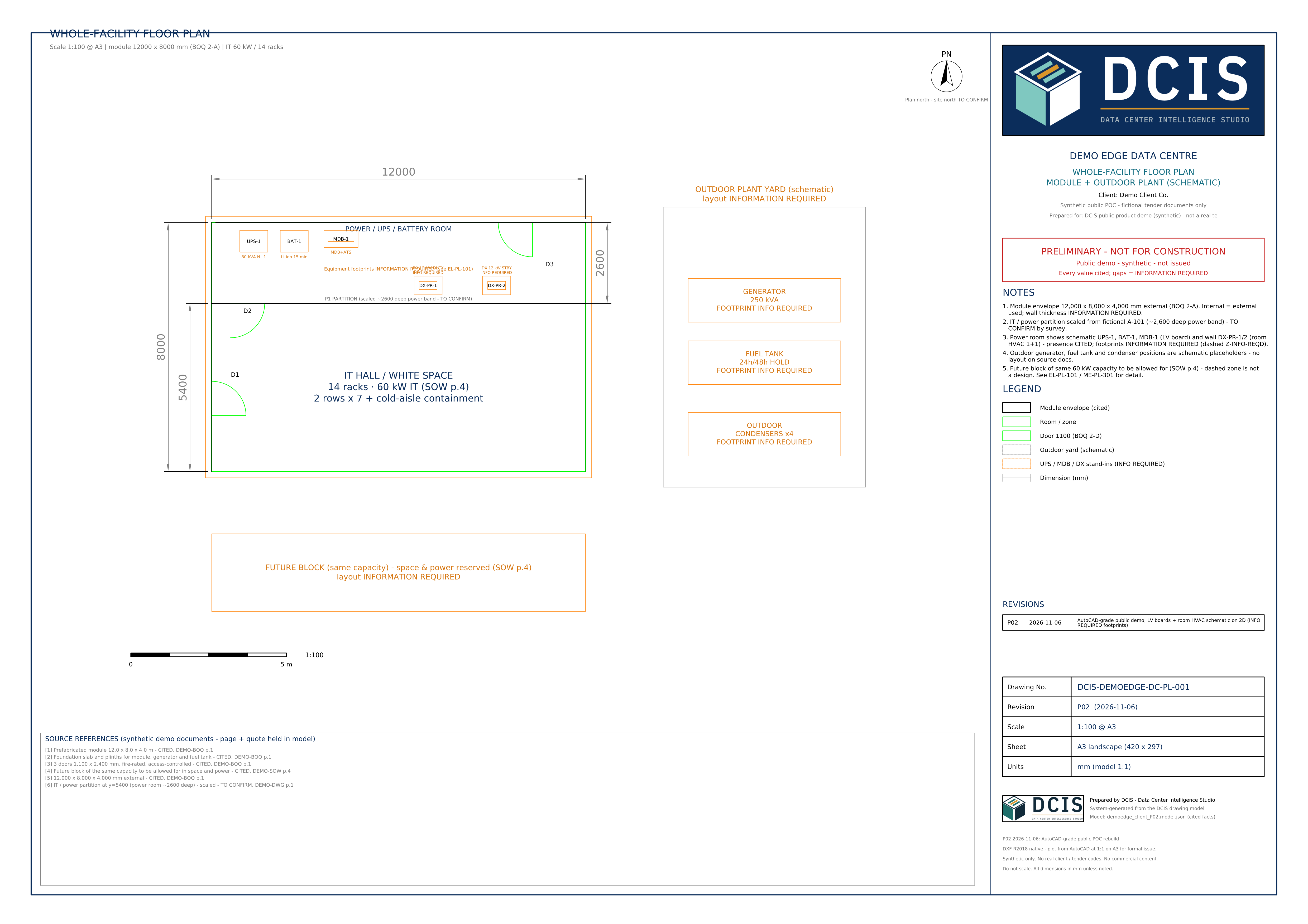
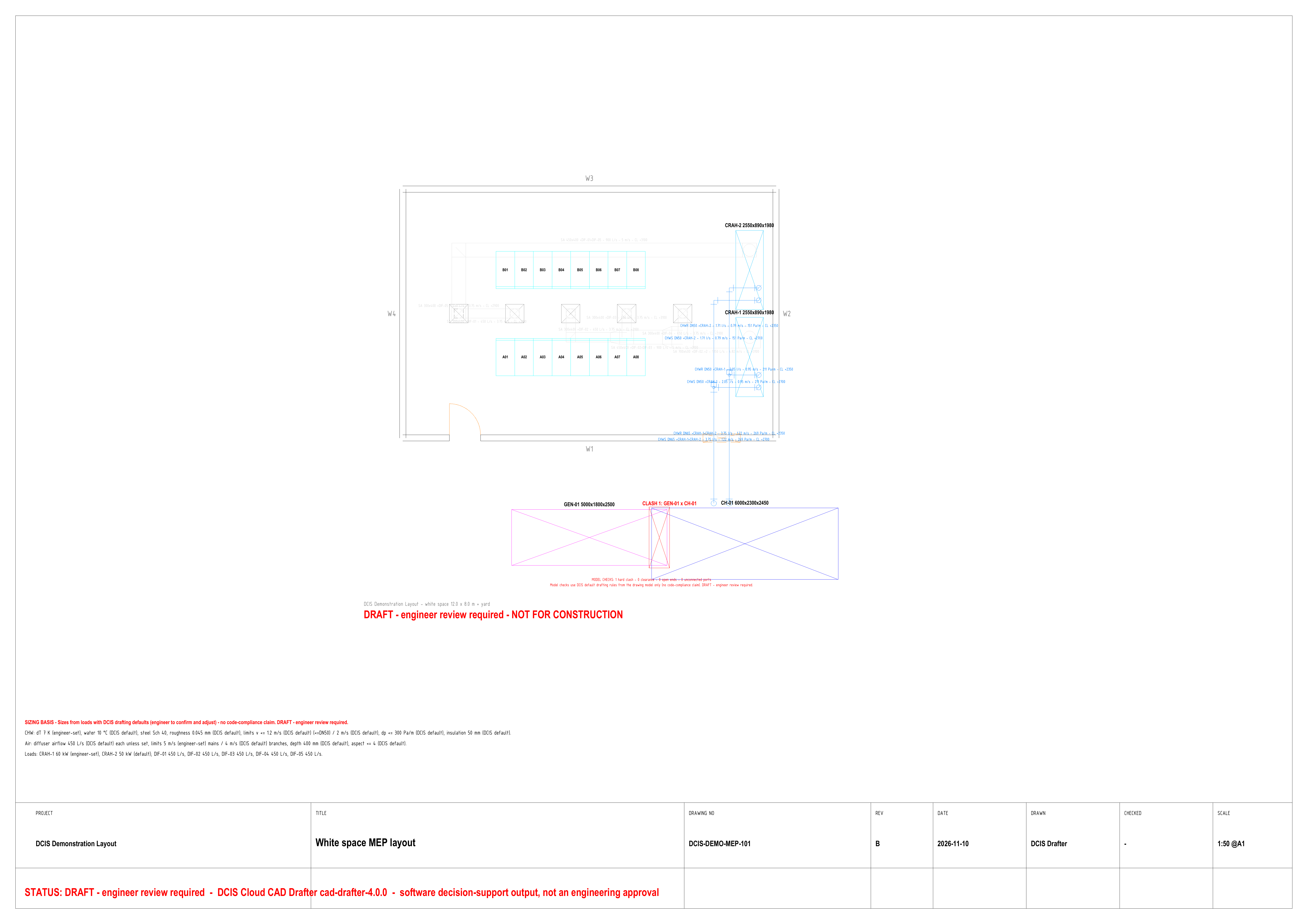
DCIS Drafter produces 2D MEP sheets and DXF files (they open in AutoCAD) from the same drawing model. PDF previews support review. Sheets are released after engineer review.
WHAT YOU APPROVE
Dimensions, layouts, unknowns and assumptions.
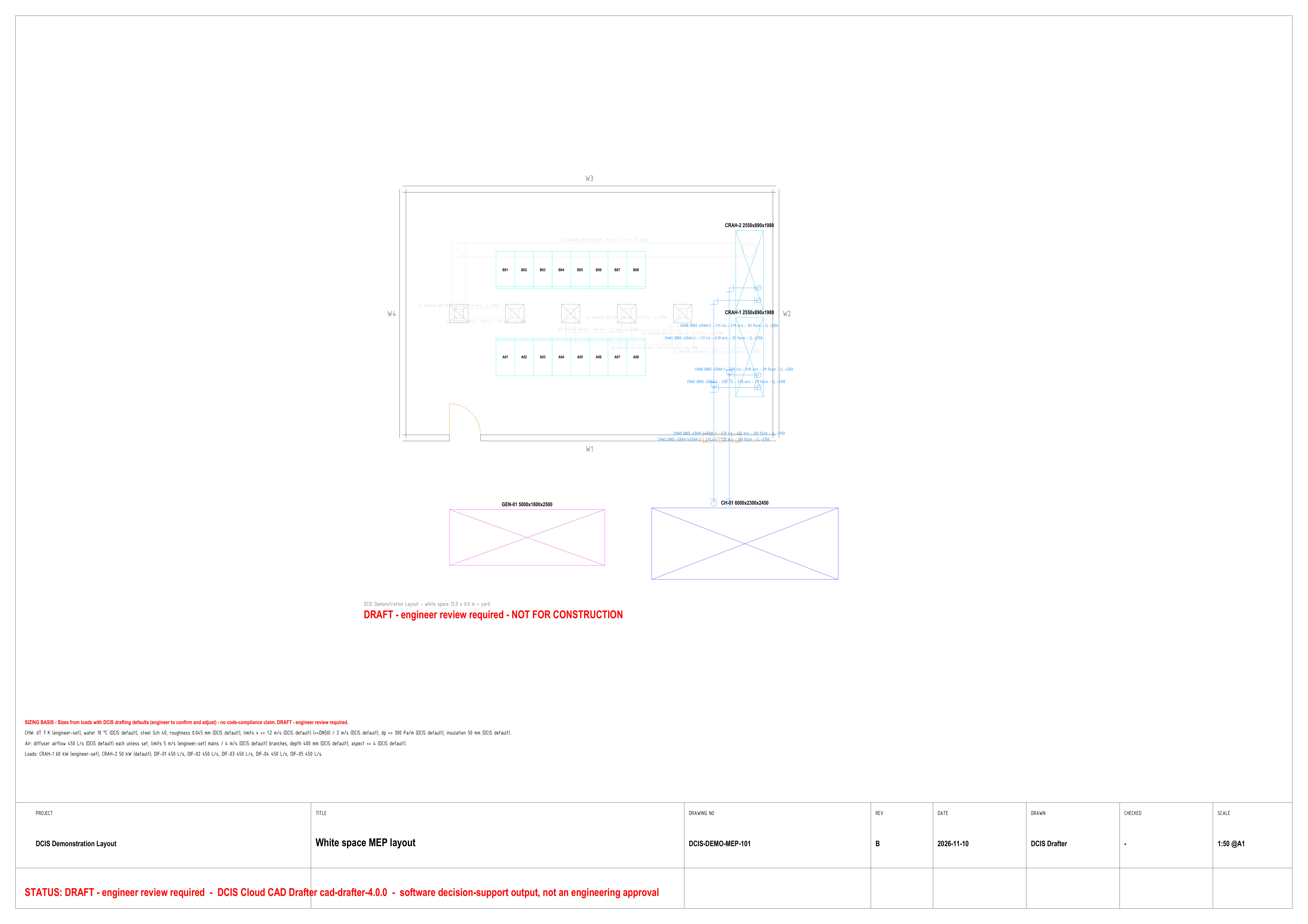
2D MEP SHEETS
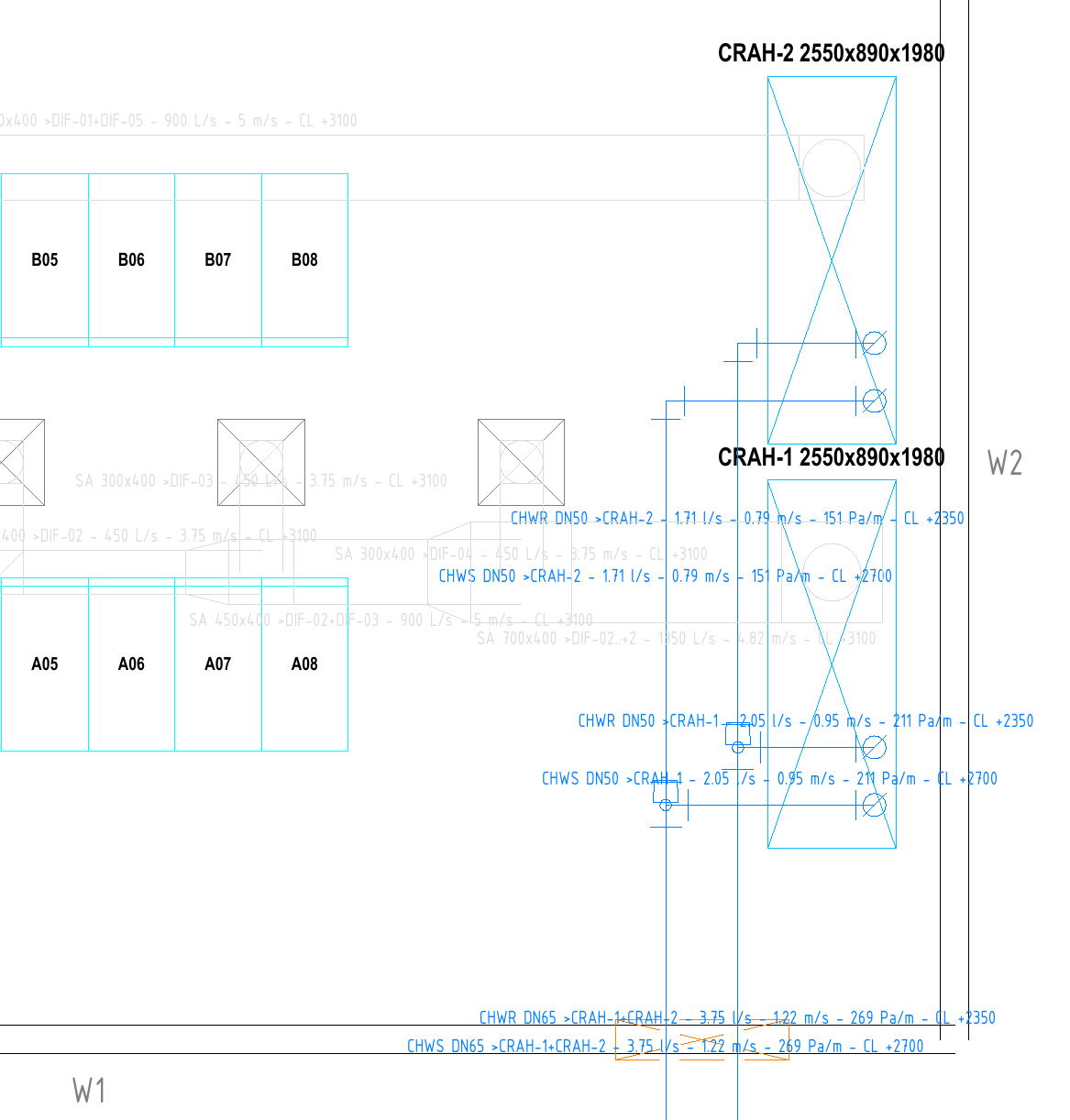

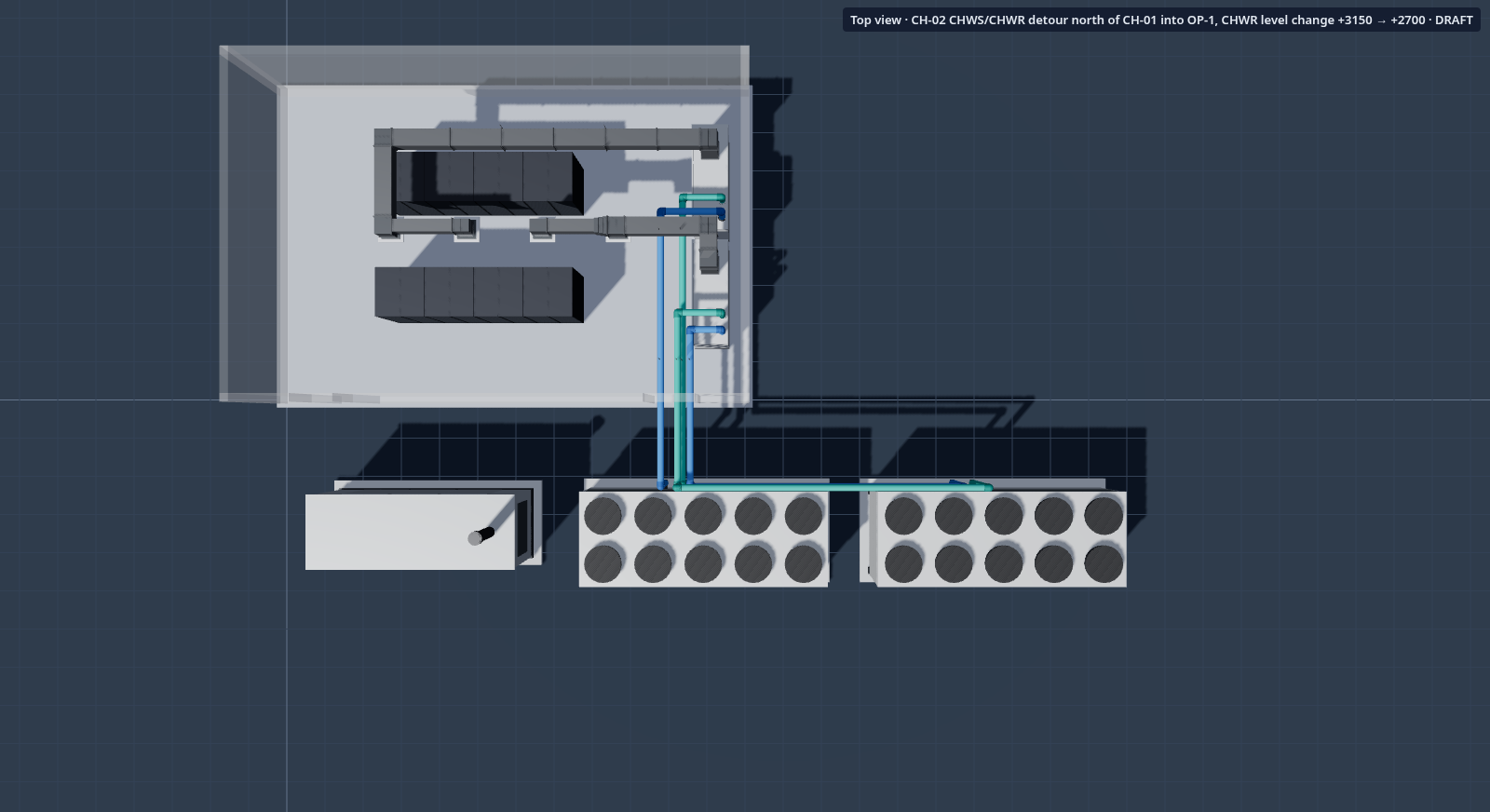
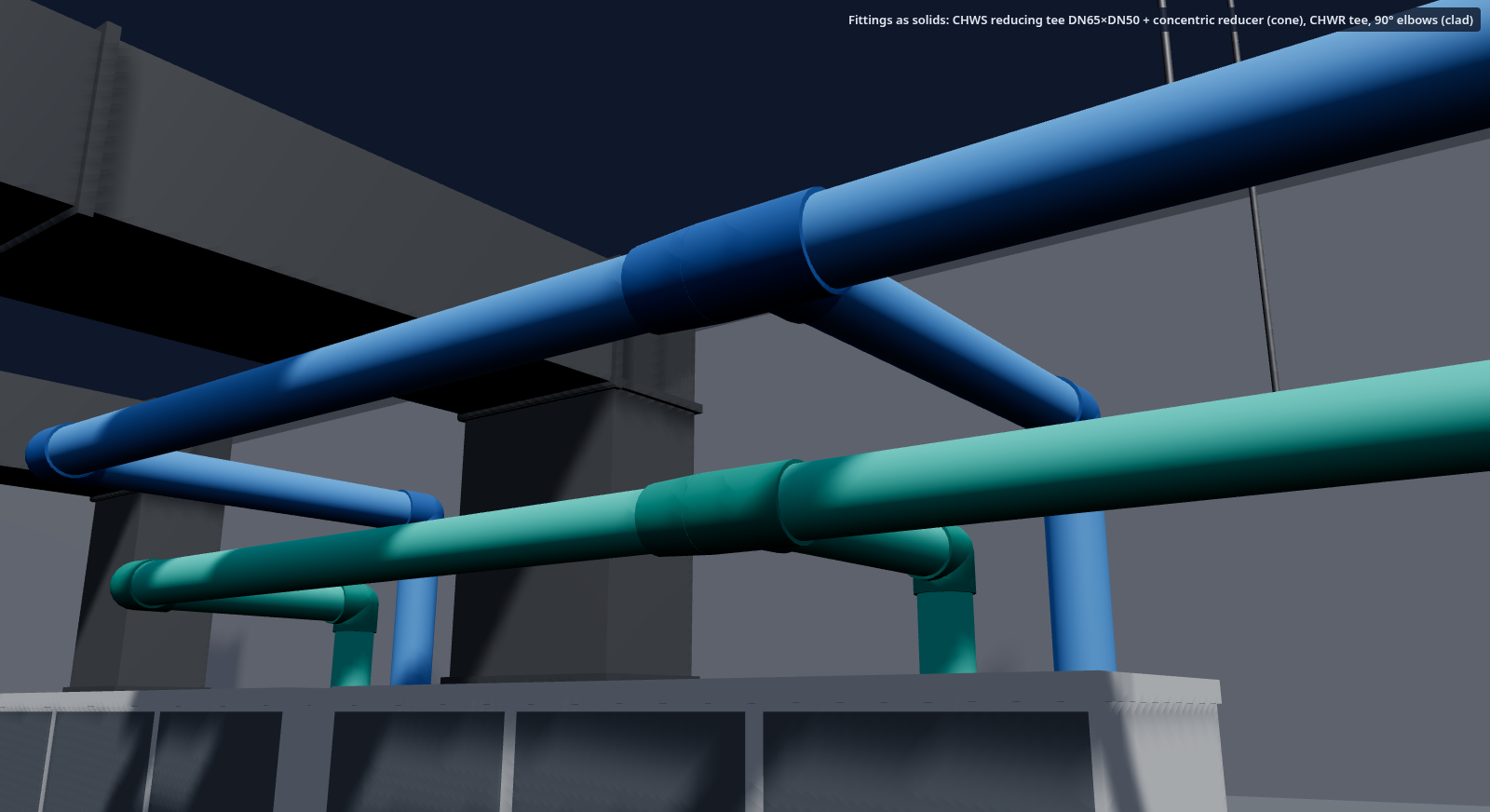
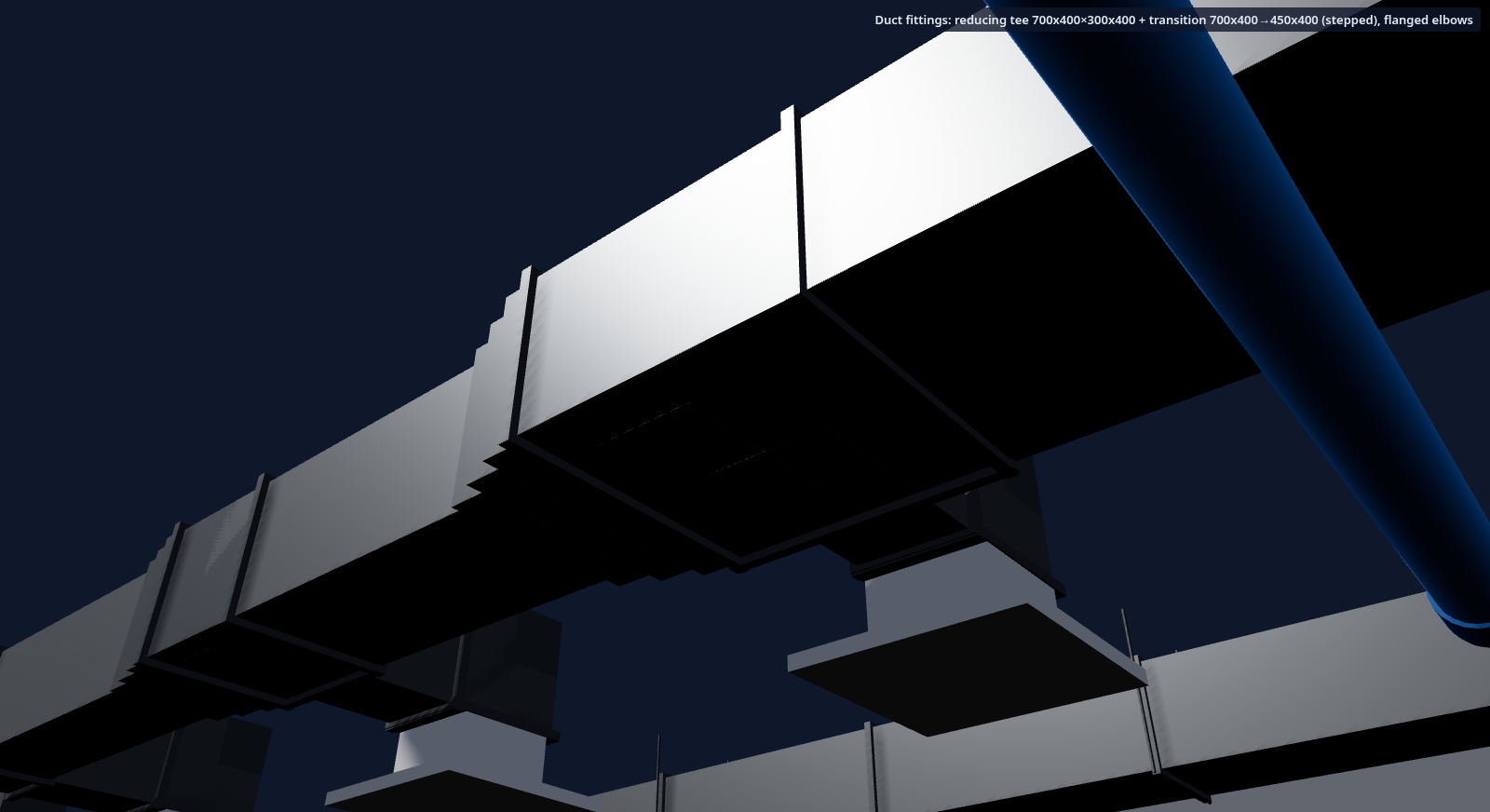
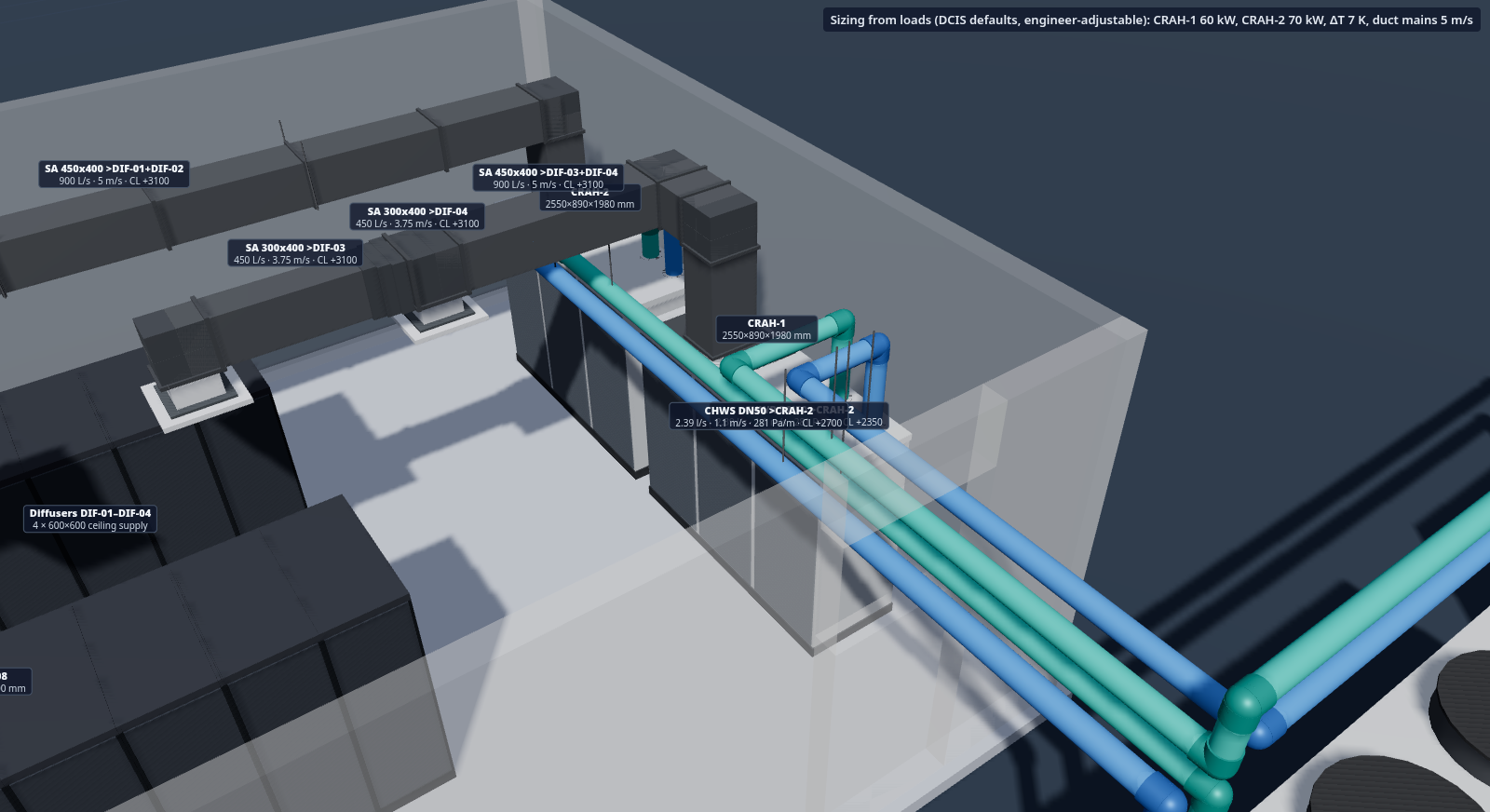
The same model.
Another perspective.
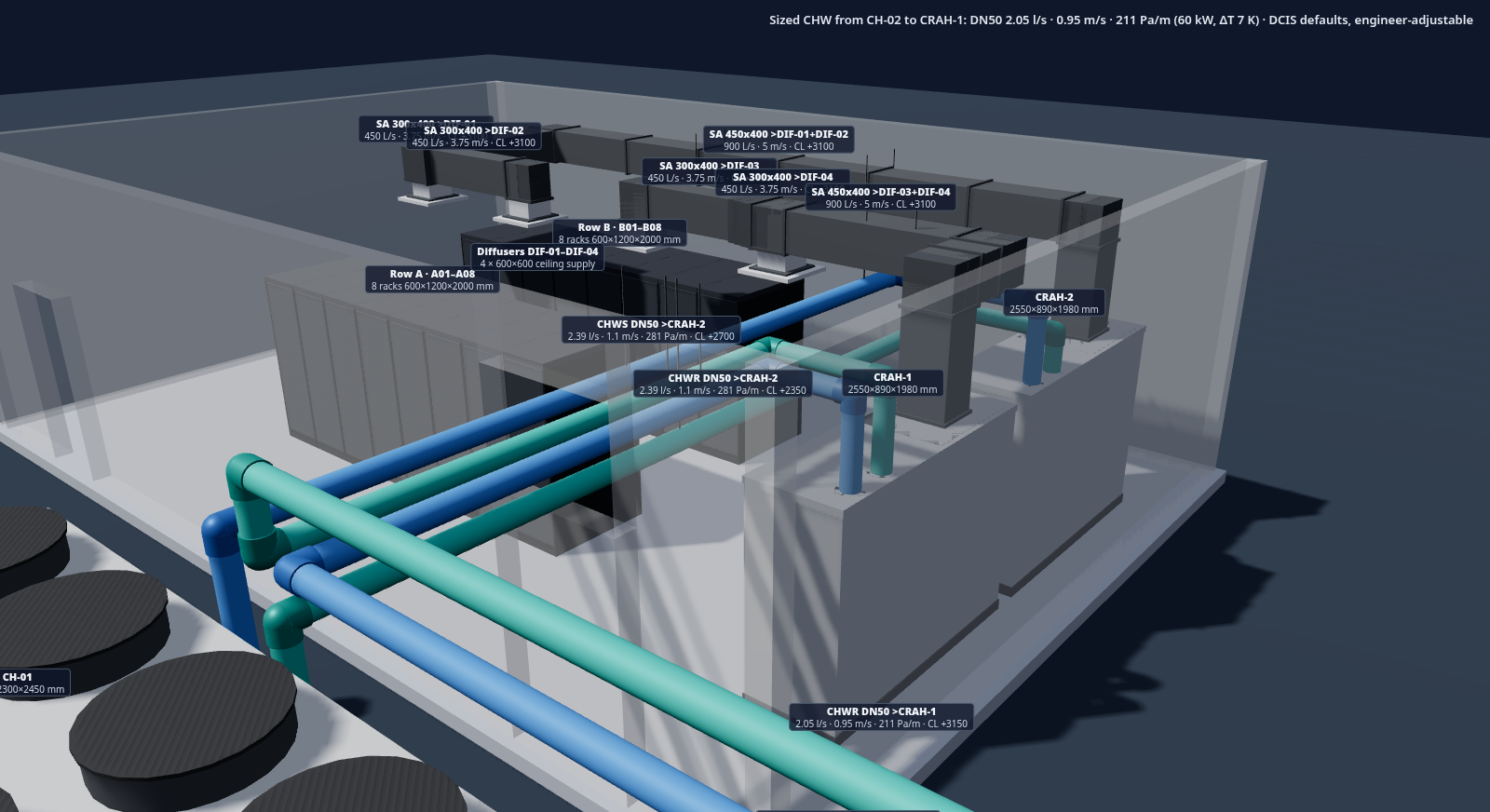
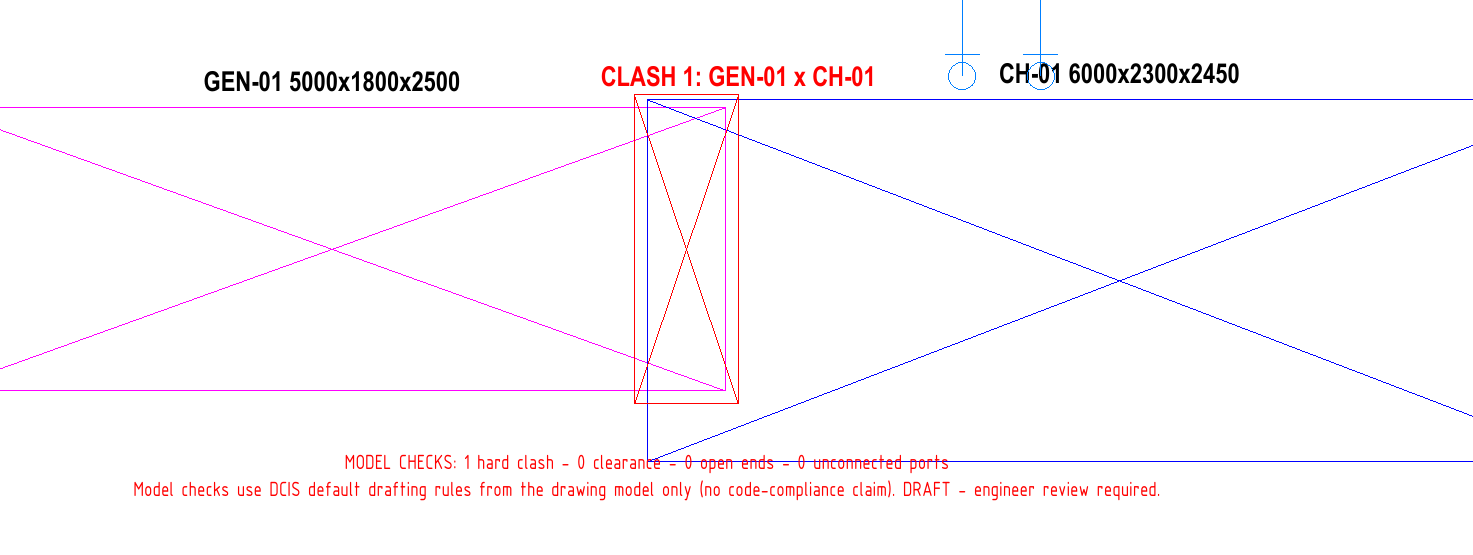
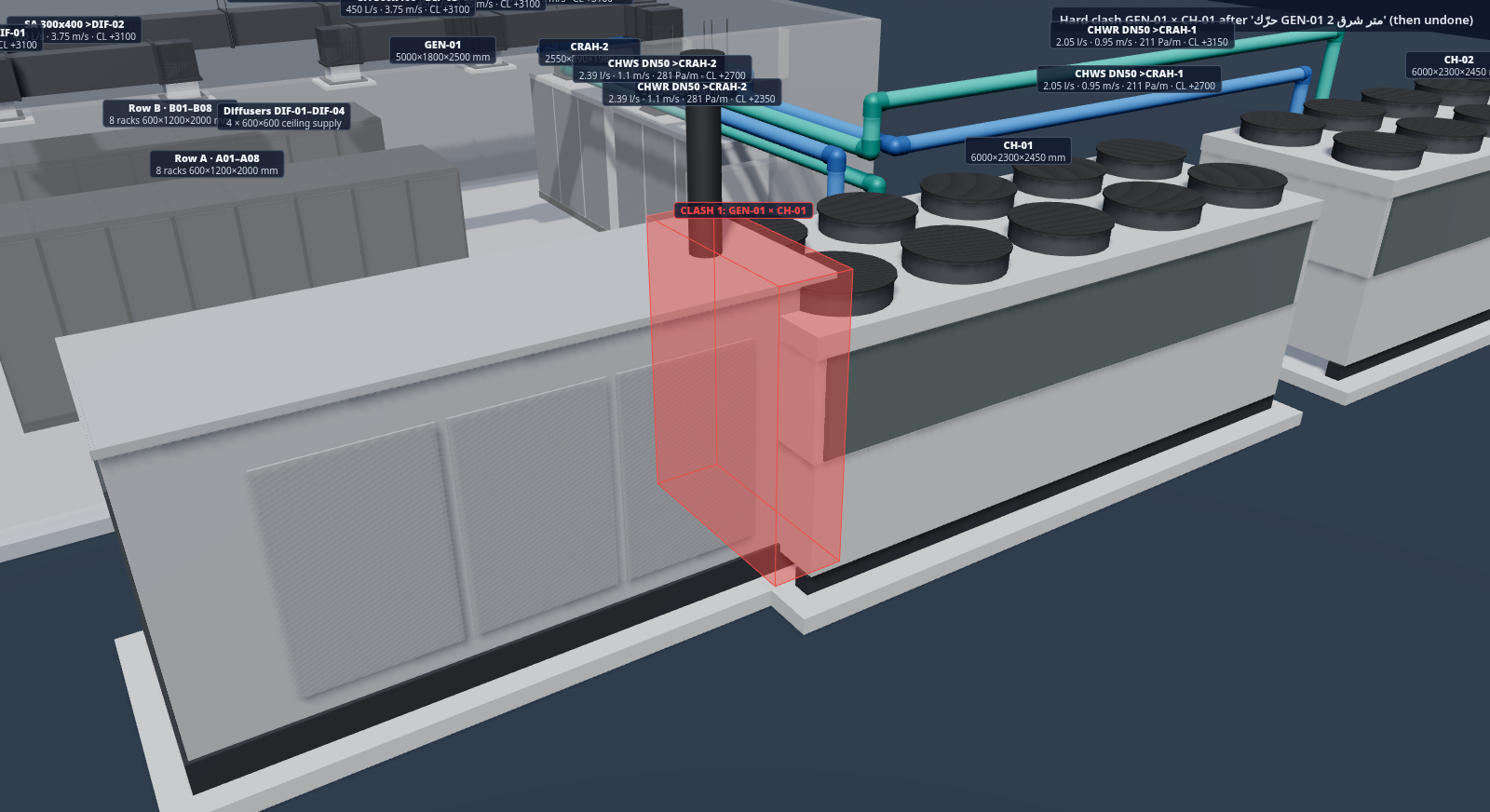
Shown on a demonstration layout: routed 3D views with fittings and sizing labels, and clash marks where services occupy the same space. Released after engineer review.
WHAT YOU APPROVE
The demonstration routing, fittings, clash marks, unknowns and assumptions.
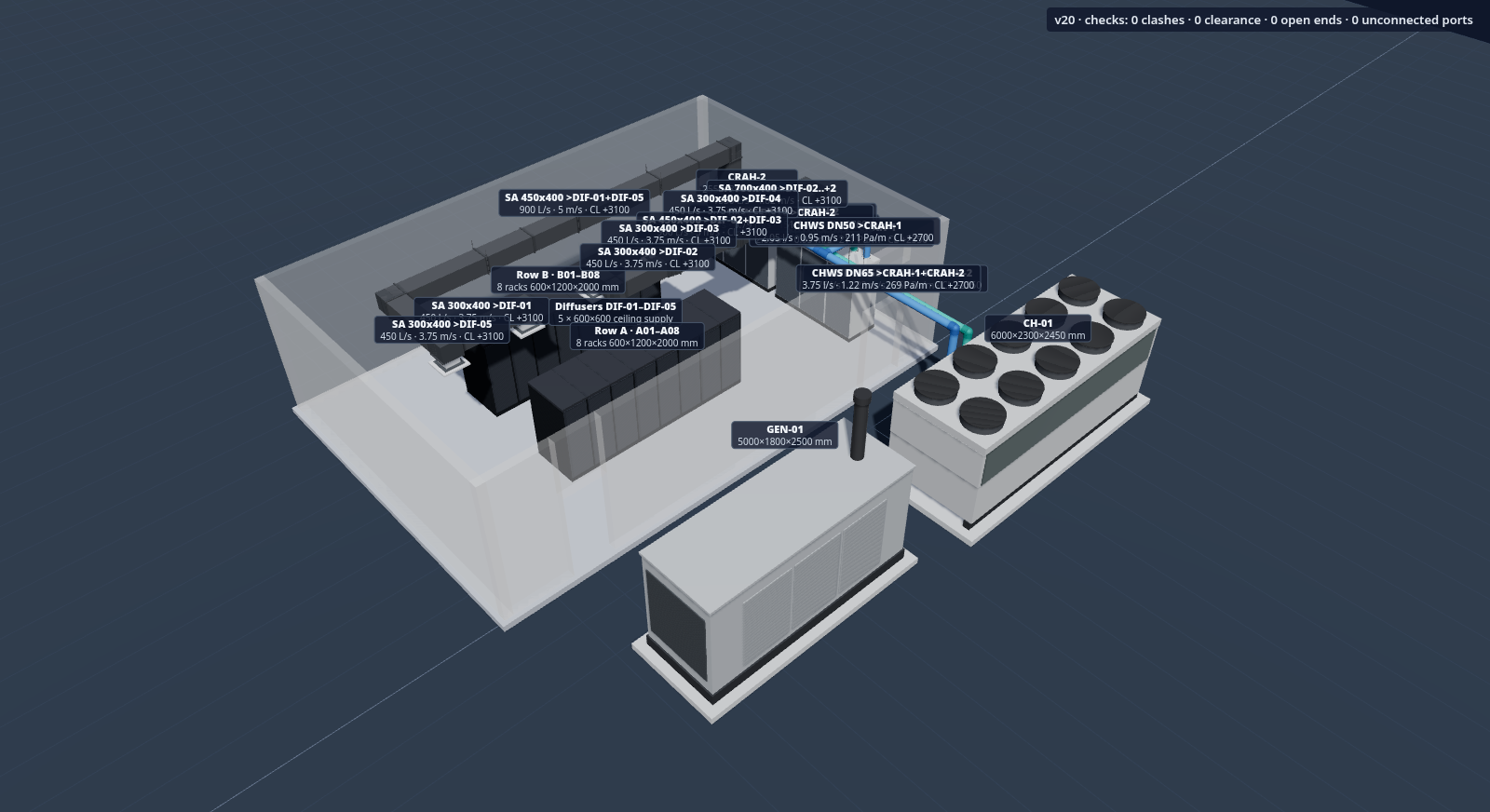
SHOWN ON A DEMONSTRATION LAYOUT
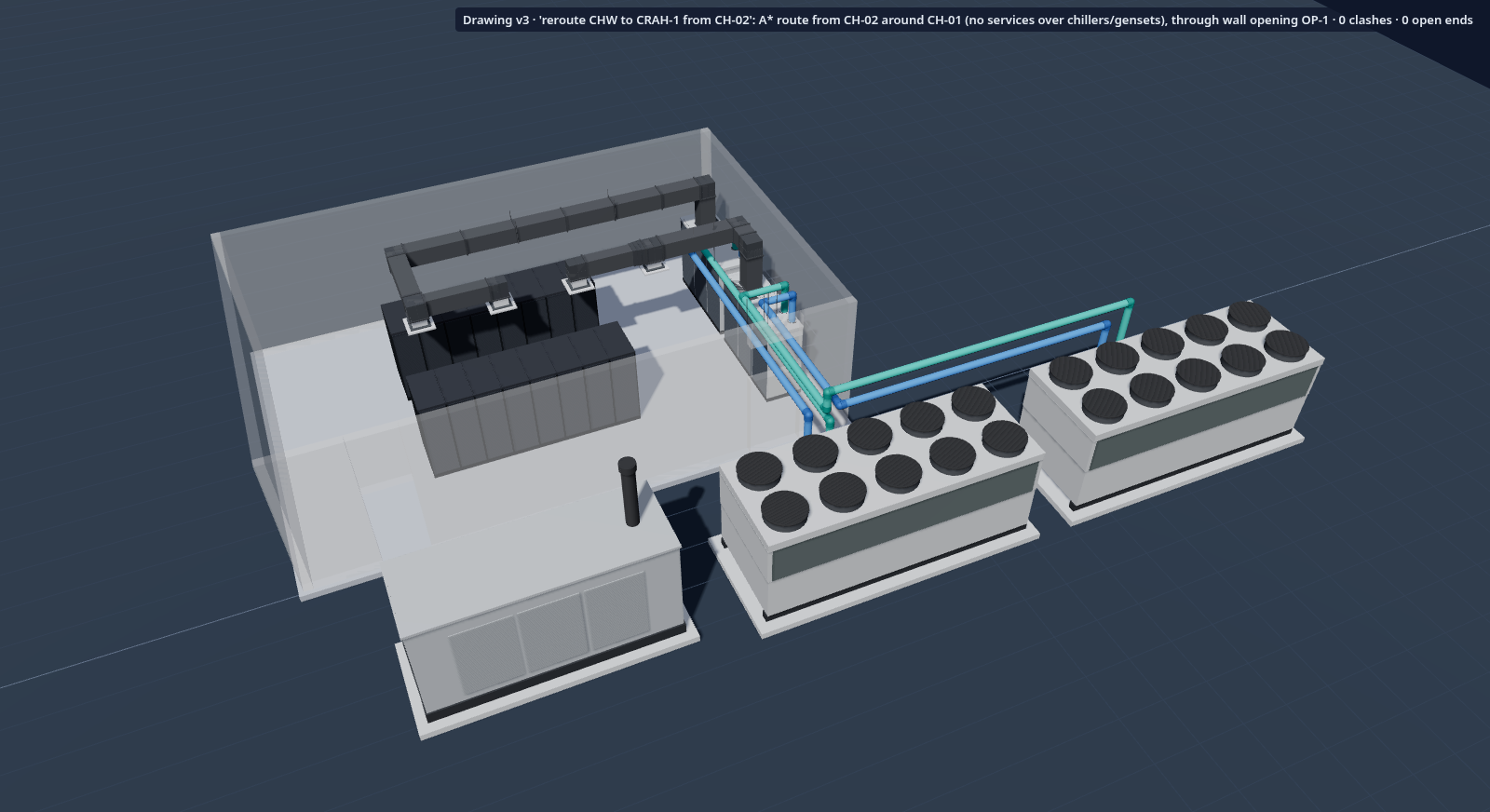
The drawing is
the starting point.
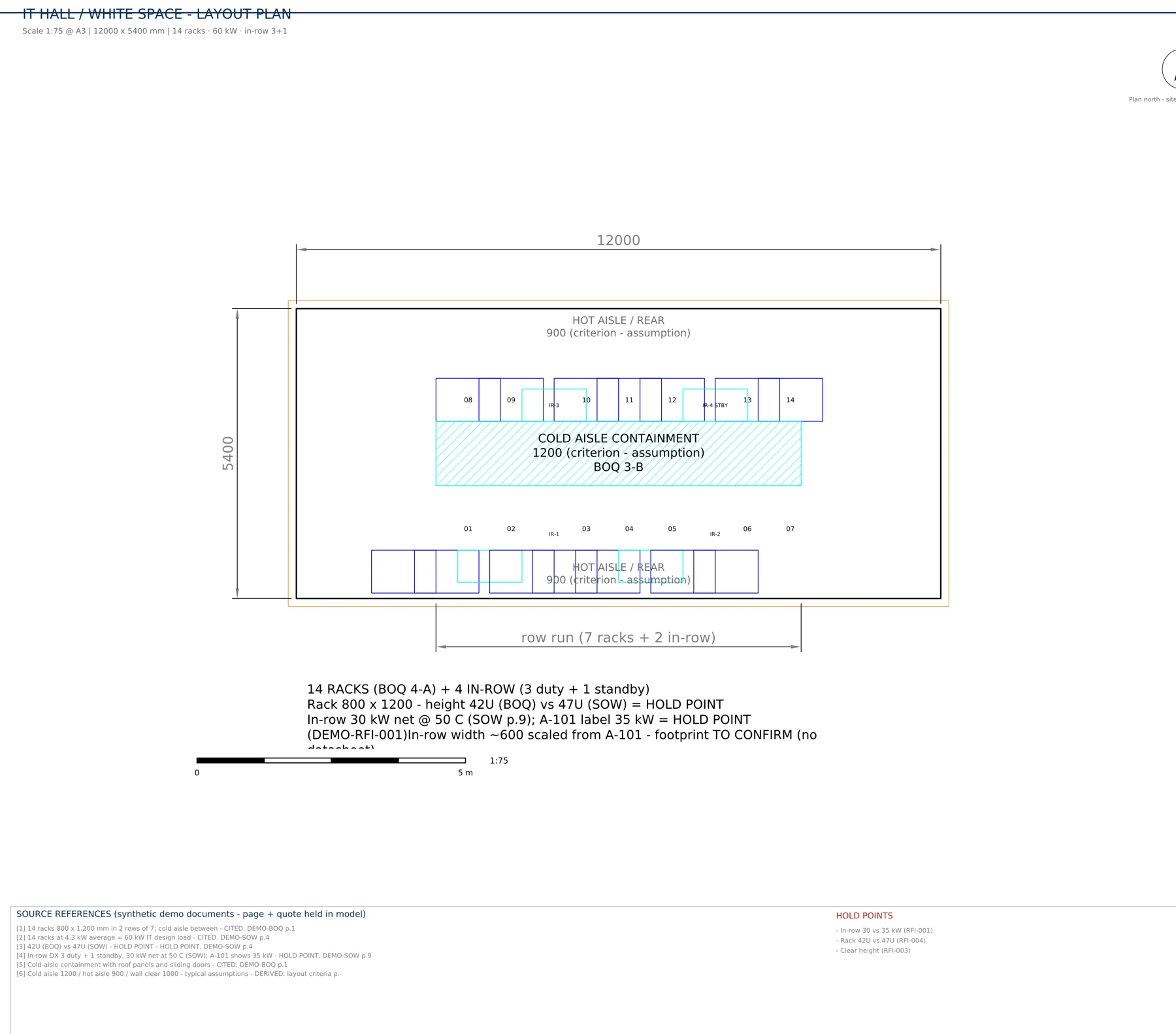
Quantity take-off comes from the drawings, with a stated tolerance for each take-off. Check the tolerance, drawing scale and exclusions before using a quantity.
WHAT YOU APPROVE
The take-off basis and quantities.
Prepare the package.
Review against the spec.
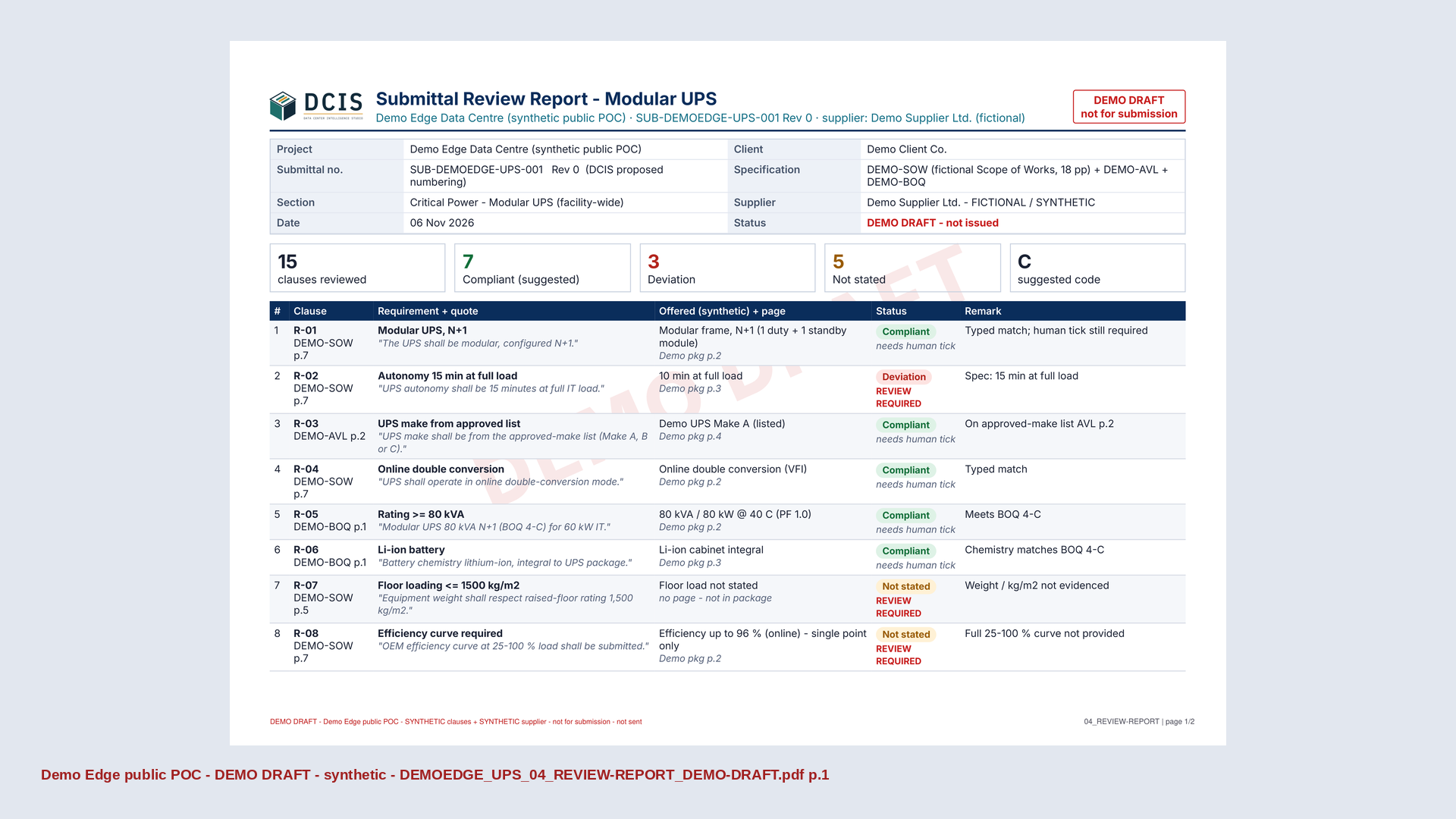
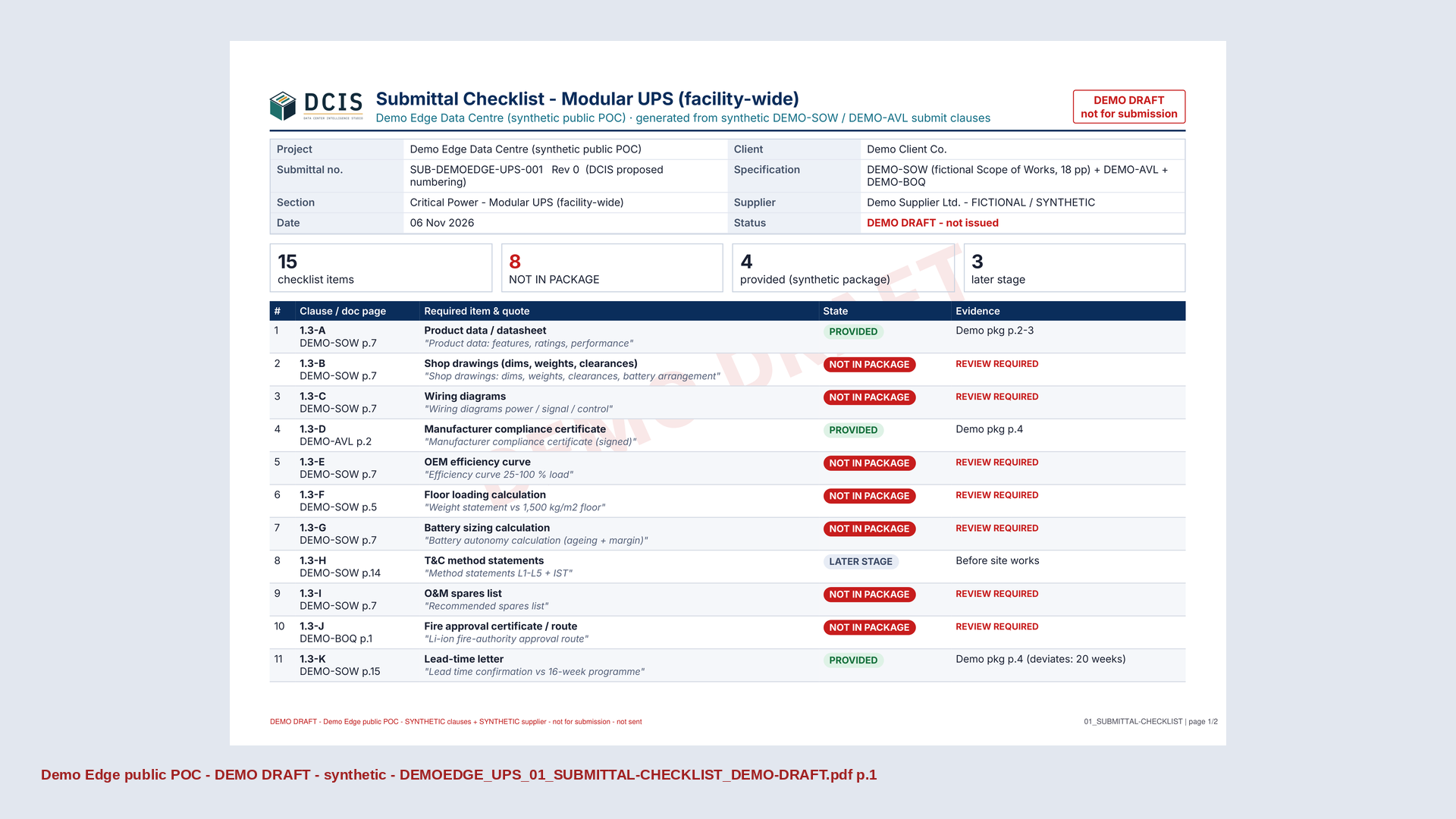
Create Submittal builds a package against specification requirements. Review Submittal compares offered evidence with the spec and surfaces deviations and missing information.
WHAT YOU APPROVE
Every compliance judgement, supporting document and transmittal. Suggested results are not an approval to submit.
Shown here: 15 min autonomy required in DEMO-SOW p.7; 10 min offered in the supplier package p.3. Review required.
Engineering output.
Human approval.
Cited inputs. Reviewable packages. Nothing is sent automatically. You approve the content and release. Nothing goes to suppliers or clients without your approval.
WHAT YOU APPROVE
The content and the release.
Nothing is sent without your approval.
Demonstration project; fictional client. No live tender or client output is shown. CAD drafting images are DCIS Drafter outputs from a DCIS drawing model.